People & selected vehicles
Identify visible people and supported vehicle classes, with temporary tracks that help follow activity through the recording.

AI DRISHYAM · BY ANY TECH VENTURES PVT. LTD.
Bring monitoring, detection, evidence and response into a site-specific solution. Focus on the activity that matters, with people in control of the decision.
CCTV Intelligence Platform by Any Tech Ventures Pvt. Ltd.
Explore configurable solution options. Final capabilities, integrations and deliverables are mutually agreed in the statement of work.
Find the relevant momentsFocus attention on activity that matters.
Check the source footageSee what happened before and after.
Choose the right responseConnect the evidence to your site procedure.
FEATURES THAT MAKE FOOTAGE USEFUL
Explore people and selected vehicle activity, camera-specific review rules and source-linked evidence in the recorded-footage experience.
View capability detailsFixed-camera rules are tuned to your camera view, footage quality and operational priorities.
PRACTICAL WORKSPACE CONTROLS
Source selection, replay controls, event filters and review-area settings connect the recorded footage to a considered decision.
See the workflow in actionSelect an analyzed scene and see its source context, duration and available activity. Keep the camera view and review question connected.
Play, pause and seek through footage, change replay speed, and show or hide tracks and configured zones to inspect the scene.
Use the event timeline and evidence inbox. Filter by event type or review status and open a relevant event directly.
Set a zone label, image region, duration and occupancy threshold for suitable fixed views, then evaluate the resulting activity.
FROM SITE ACTIVITY TO A REVIEWED RESPONSE
Connect the event to the decision your team needs to make. Shape each stage around the site, the evidence and the people responsible for action.
Monitoring, rule automation and shared response workflows are configurable solution options. Final functionality is agreed in the statement of work.
Define camera coverage, source connectivity and the availability checks your operation needs.
Focus on relevant activity with zones, lines, object classes, thresholds and operating schedules.
Connect the event to its source. Inspect the surrounding footage before deciding what it means.
Define review ownership, follow-up actions and the history your team needs to retain.
FOLLOW AN EXAMPLE
Illustrative scenarios, not customer events or product screenshots.
Choose a suitable fixed view and define the service-lane zone for the question your team needs to answer.
A person track enters the configured service-lane zone.
Inspect the surrounding clip. Check the camera angle, activity and whether entry was expected.
The reviewer checks whether entry was expected and decides whether a site response or a review note is needed.
Explore event-linked recorded replay in a guided demonstration.
Bring your camera scenarioCONFIGURABLE SOLUTION OPTIONS
Shape the workflow around your site, from the camera view to the person responsible for follow-up. Rule automation, incident management and integrations are options to scope for your deployment.
Final capabilities, integrations and deliverables are defined in a mutually agreed statement of work.
01 · DEFINE THE EVENT
Specify where to look, what matters and when the rule should apply.
Rule-planning brief. Available controls and automation are agreed for the selected deployment.
02 · KEEP EVIDENCE WITH THE DECISION
Scope a shared inbox that brings event thumbnails, time, camera context and linked evidence into a reviewer’s working view.
 Illustrative scene
Take ownership of the review.
Record why no follow-up is needed.
Close the agreed action with a note.
Illustrative workflow design, not a product screen. Shared status, ownership and retained history are deployment options.
Agree event definitions, review ownership and acceptance criteria before rollout.
Discuss your operating workflowAPPLICATIONS ACROSS INDUSTRIES
Choose the setting that matches your site. The same core activity and review tools can be shaped around different camera views, operational questions and response procedures.
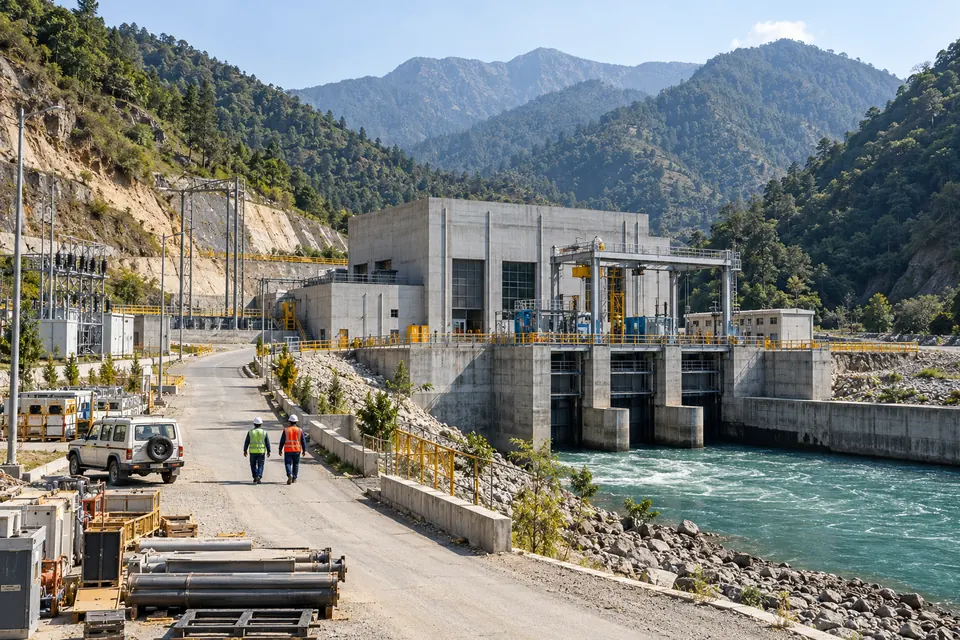
HYDRO & ENERGY
Focus review on plant entrances, defined operational areas and the routes people and vehicles use around power and utility sites.
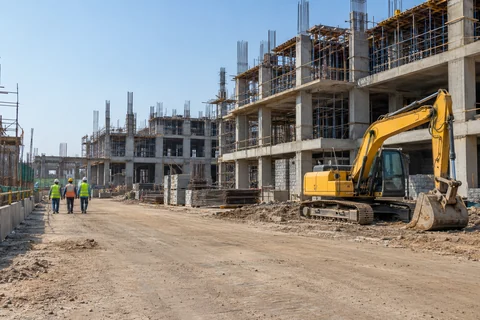
CONSTRUCTION & INFRASTRUCTURE
Understand movement through changing work sites. Explore entry and exit, dwell in selected areas and visible person–vehicle interactions.

MANUFACTURING & INDUSTRY
Review people and vehicle activity around factory access, production-area boundaries, maintenance routes and industrial yards.
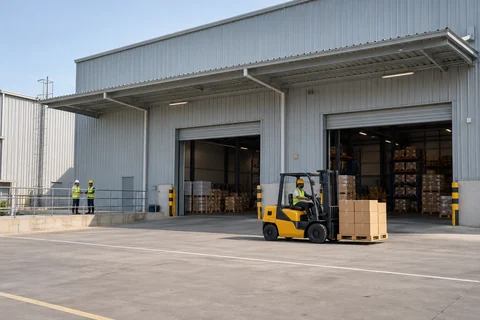
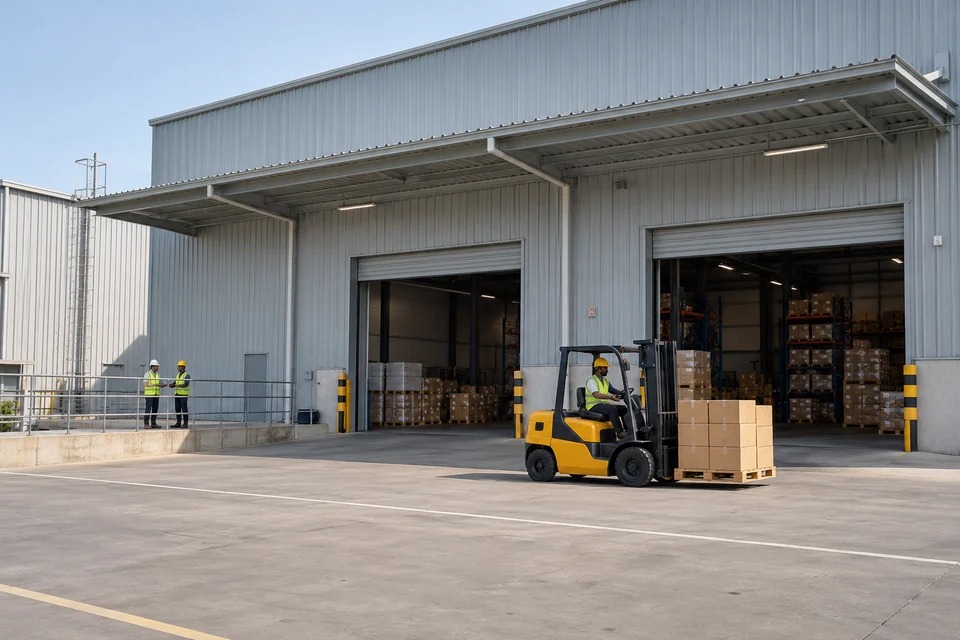
WAREHOUSING & LOGISTICS
Bring loading-area activity and yard movement into focus. Investigate vehicle dwell, directional passage and people near vehicle routes.

PRISONS & INSTITUTIONAL SECURITY
Support accountable human oversight of observable movement in designated access areas, corridors and other authorised camera views.

TOURISM & CROWD SPACES
Understand visible movement at entrances, visitor routes and gathering areas. Explore directional passage and occupancy in suitable camera views.
Also discuss campuses, commercial properties and service facilities. Use cases are scoped around your site and camera views. Decisions about people stay with authorised human reviewers.
SITE-SPECIFIC SOLUTION SCOPING
Have a requirement beyond the core activity and review workflow? Bring the scenario, target event and desired response. Specialist models, camera suitability and evaluation criteria are agreed for each engagement.
Discuss the dedicated model, camera view and validation approach needed for each safety-related scenario.
Explore number-plate reading, queue analysis and workflow-specific movement questions against an agreed measurement plan.
Define VMS, NVR, access-control and alert-delivery requirements during technical discovery, including interfaces and responsibilities.
A tailored scope starts with the problem you need to solve.
Discuss a specialist requirementCAMERA ESTATE TO OPERATING MODEL
Explore on-site processing with central web review, or another agreed hosting model. Camera connectivity, hardware, bandwidth, data location and integration determine the right design.
Architecture illustration for solution scoping. Components and data flows are agreed and validated for each engagement.
AT THE SITE
Assess camera views, NVR/VMS interfaces, usable footage and connection requirements.
PROCESSING OPTION
Scope local processing, selected models and rules against the hardware and scene.
CENTRAL WEB OPTION
Define secure event delivery, evidence access, reviewer roles and reporting across sites.
TWO DIFFERENT HEALTH QUESTIONS
Camera availability and analytics processing need separate checks. A connected camera alone does not show that a rule is running correctly.
Scope source connectivity, usable frames, recording availability and the last verified update.
Scope processing status, rule configuration, detector errors and the last verified result.
Health telemetry and notifications depend on agreed device integrations. Missing telemetry must remain unknown rather than appear healthy.
Use authorised samples across the angles, lighting and activity your team encounters.
Review missed and false events, evidence quality and the action a reviewer can take.
Define hosting, support, access, retention and the integration boundary in the statement of work.
SECURITY, WITH CLEAR BOUNDARIES
A credible deployment starts with access controls and an agreed data-handling plan. Match the safeguards to the site, users and intended purpose.
CURRENT HOSTED APPLICATION CONTROLS
HTTPS for the hosted deployment.
Password-hash authentication and authenticated application access.
Private media storage served through authenticated asset routes.
Session and CSRF controls around application actions.
AGREE BEFORE ENTERPRISE ROLLOUT
Define the monitoring purpose, authorised viewers, retention period and response procedure. Confirm the applicable privacy, employment and sector requirements with your organisation.
Enterprise controls are selected and implemented within the agreed deployment scope. Define safeguards, responsibilities and acceptance criteria before rollout.
Read security & data detailsBEFORE YOU GET STARTED
Have a site-specific requirement?
Talk it through with our team.
Start with your existing estate. Compatibility depends on camera views, footage quality, recording formats and the selected workflow. A camera and recorder assessment establishes the source fit for your intended deployment.
The hosted workspace uses analyzed recorded replay. Live-source ingestion, on-site processing, central web management and private-cloud hosting can be scoped around your camera estate, network and data-location requirements.
A reviewer selects relevant activity, inspects the source footage and surrounding sequence, and decides whether follow-up is needed. The footage supports the decision. The site team owns the response.
Start with a camera view, zone or line, supported object and event threshold. For an automated deployment, also agree active schedules and the review response. Test day/night and busy/quiet footage against the site’s acceptance criteria.
Bring your sector, one priority use case, camera count and camera/recorder details. For a site-specific evaluation, agree a representative sample, footage permissions and a secure transfer method with Any Tech Ventures Pvt. Ltd. Do not send sensitive footage in the initial email.
Scope the monitoring purpose, footage permissions, authorised access, data location and retention before deployment. Keep human review central to the workflow and assess the applicable privacy and sector requirements for the intended site.
Share the VMS/NVR model, available interfaces, network constraints and the workflow you need. The technical assessment defines suitable interfaces, alert channels and the integration work required.
The priority use cases, camera/source count, deployment model, integration and support requirements shape the proposal. Any Tech Ventures Pvt. Ltd. will define the deliverables, evaluation criteria, responsibilities and commercial scope with your team.
YOUR SITE. YOUR PRIORITY. A CLEAR NEXT STEP.
Plan a focused discussion and demonstration around the activity your team needs to understand. We’ll map camera fit, rules, evidence, response and deployment requirements into a scope you can evaluate.
PLAN YOUR DEMONSTRATION
Choose a few details to prepare a useful first email.
Prepare demo emailOpens your email app. Nothing is submitted or stored on this page. Please keep footage and sensitive site details out of the first email.
Credentials shown below belong to Any Tech Ventures Pvt. Ltd. They do not certify Ai Drishyam or imply government endorsement.